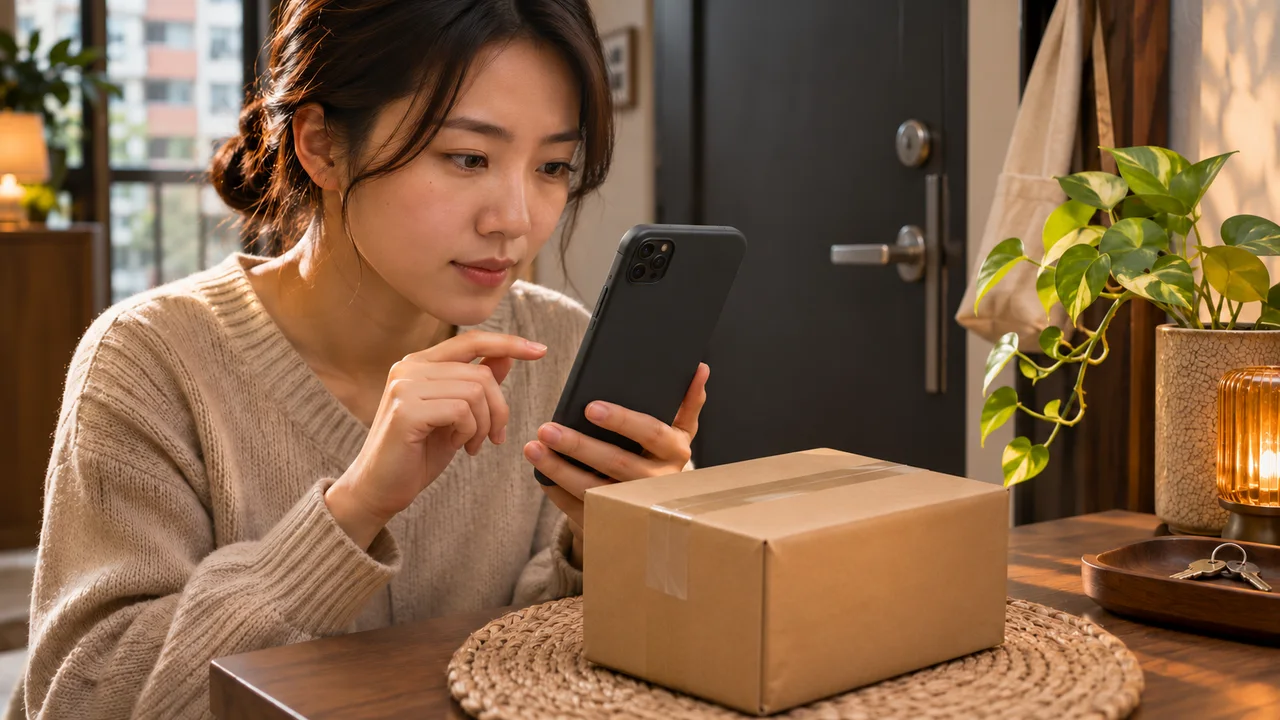
A text says the carrier couldn’t deliver your parcel and wants a fee to try again. You did order something recently, so paying might feel like the quickest way to sort it out. Close the message for a moment and open the shopping site or app you normally use. Find the original order, check the carrier’s official tracking page and wait until you can verify any charge before paying.
Work out which order it could be
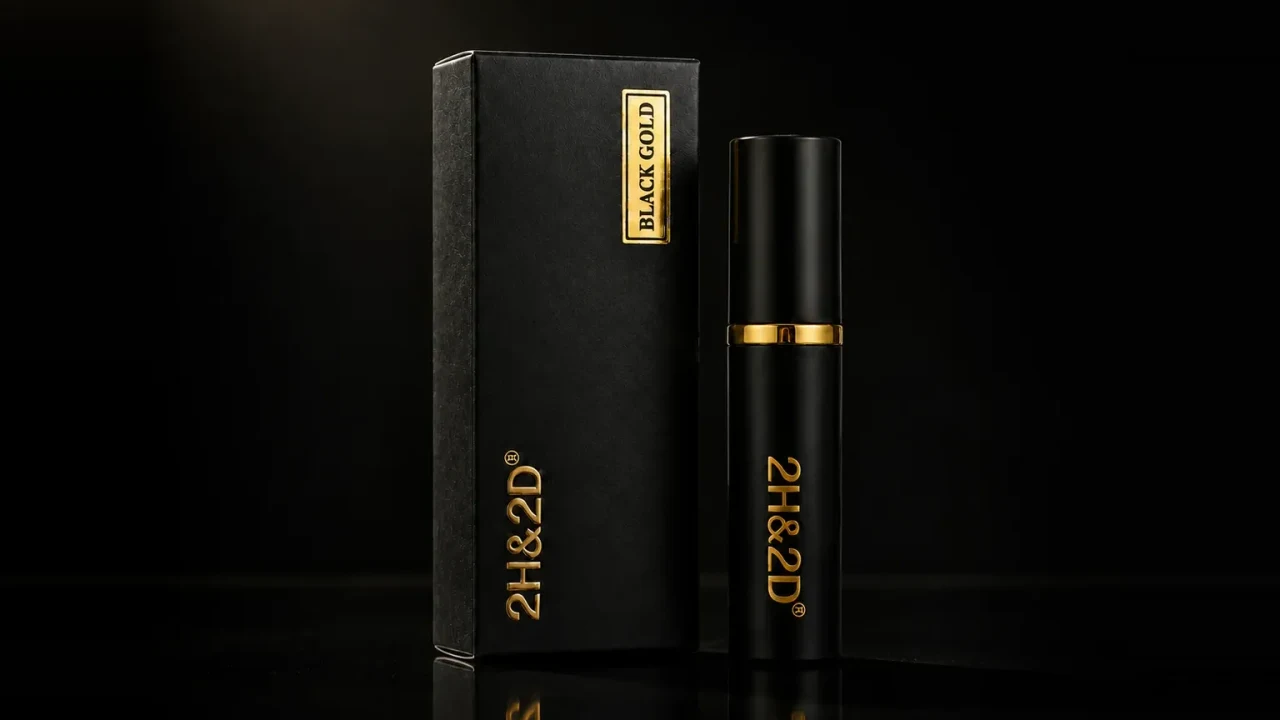
If you have several parcels on the way, compare the order number, purchase date and delivery method. Those details are easier to match than a name or a generic “parcel awaiting collection” notice. If you used a member account at the 2H2D Taiwan website, sign in and open My Orders in your account. You can see whether the order is awaiting payment, shipment or delivery. The 2H2D Help Center explains where to find it.
For a purchase from another shop, start with that shop or marketplace. If you have only an order confirmation, use it to identify the seller, then open the seller’s site or app independently to find support. Ask anyone who sometimes orders for you if they sent something recently. If no order matches, leave the request alone. A Taiwan Ministry of Digital Affairs guide to unexpected collection notices also advises checking your purchase history and confirming where the parcel came from before paying.
Check the tracking number with the carrier
Use a tracking number from the original order or the seller’s customer service. Enter it on the carrier’s official site or app. If a delivery method or pickup shop is shown, compare it with your order. Missing tracking information can mean the parcel has yet to be handed over or the page has yet to update. Ask the seller whether it has shipped.
Say the text claims delivery failed, but your order still says it is awaiting shipment. You could ask the seller, “Has this order been handed over? If so, what’s the carrier and tracking number?” If you can see the shipment but the official page shows no charge, ask the carrier, “Does this tracking number have a fee due? Where can I confirm the amount and the reason through an official channel?” Those details give you something concrete to check.
Confirm any address change or charge before acting on it
If you really did enter the wrong address, see whether the original order can still be edited. If it has shipped, ask the seller or carrier where the parcel is, who can change the address and how redelivery or return works. Until you know, keep your new address, card number and verification codes out of the page opened from the text.
Also compare the amount with the original order. If you chose to pay at a convenience store, for example, check the amount and pickup location in your order. If the text claims an additional redelivery charge, ask the original seller where it came from and whether it appears in your transaction. Even a small charge is worth checking. Chunghwa Post’s fraud prevention guide describes messages impersonating the postal service and requesting information under the pretext of shipping fees or customs duties.
Still unsure? Keep a private record
If you already opened the page, close it and stop entering information. Keep the text, the time you received it and any screenshot for reference. Avoid sharing images with your address, phone number or full order number in public chats. Cover those details if you ask family to look, and leave out the clickable link.
In Taiwan, you can ask the 165 anti-fraud hotline for guidance. Explain what the message asked you to do and whether you entered any information or paid. If you only do one thing now, open the original shopping platform and find the order. Once you know which parcel you’re dealing with, you can ask where to pick it up, whether the address needs changing or if any fee is due.
Prepared by the 2H2D Taiwan website. The examples and cover illustrate hypothetical situations. Sources checked on November 25, 2026.